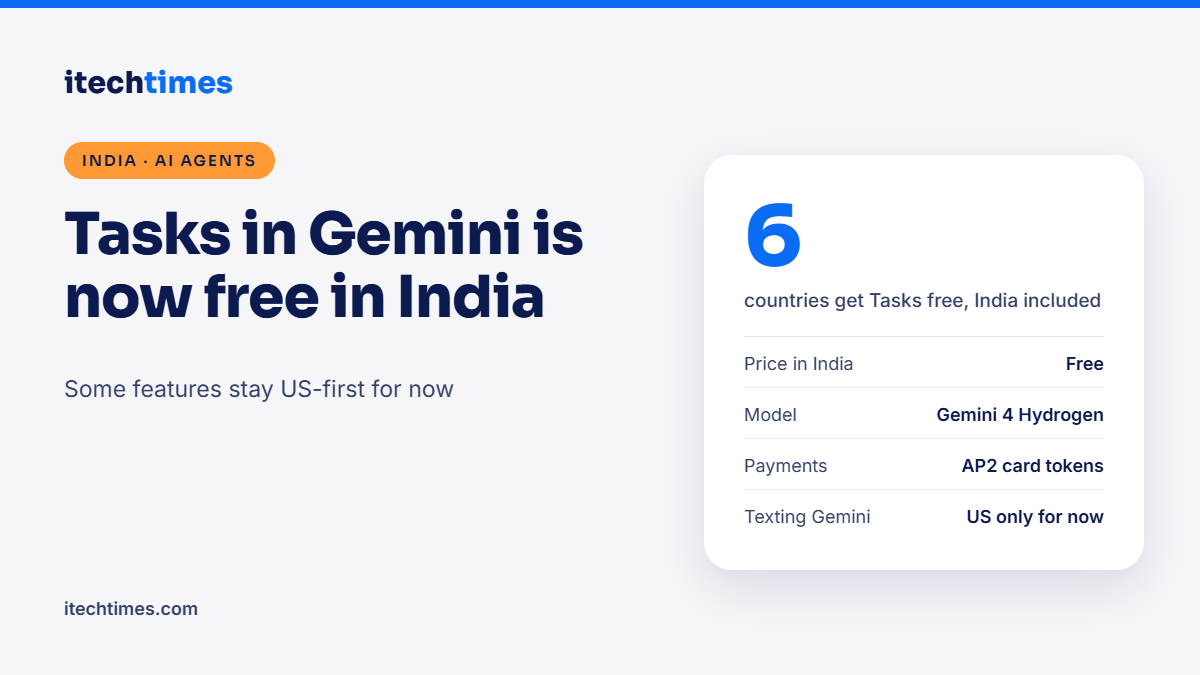
Google’s agentic assistant now runs errands for free in India, but several of its headline tricks are still US-only.
Key takeaways
- Google announced on 17 November 2026 that Tasks in Gemini is free, with no subscription, in six countries including India.
- Tasks runs on Google’s new Gemini 4 Hydrogen model and is switched on with a Chat-to-Task toggle on the Gemini app home screen.
- Google says the rollout reaches “hundreds of millions of people”, but some advanced features, such as texting and emailing Gemini, start in the US first.
- Each task runs in a sandboxed, hardware-isolated virtual machine, and Gemini asks for confirmation before steps such as “Buy”.
- Google has not yet said which Indian languages, merchants or payment methods Tasks supports in India.
What is Tasks in Gemini, and can I use it in India? Tasks is Google’s AI agent inside the Gemini app. Instead of only answering questions, it carries out multi-step jobs such as comparing products, organising events from your emails or booking appointments. Since 17 November 2026 it is rolling out free in India, with no paid plan needed.
What did Google announce?
In a blog post on 17 November, Josh Woodward, who leads Google Labs and the Gemini app, said Tasks in Gemini is now available without a subscription in the US, Japan, Korea, Canada, Australia and India. The feature is powered by a new model called Gemini 4 Hydrogen. Google did not share technical details about the model beyond its name.
Tasks has had a short journey to this point. As Inc42 reports, it first appeared in May as Gemini Spark for a small group of testers, then opened to Google AI Ultra subscribers in the US. Making it free across six markets, India included, is a big jump in reach.
The rollout is gradual. Google said it is “starting to roll out”, so if you do not see the toggle in your Gemini app today, it may take some days to reach your account.
What can Tasks in Gemini do?
Google’s examples show an assistant that works across your apps and the web. According to the announcement, Tasks can:
- Read bills and emails and explain them, for example spotting why an electricity bill was higher than usual.
- Shop using Google’s Shopping Graph, look for discount codes and check out with Google Pay.
- Turn forwarded emails into calendar events and flag clashes with existing plans.
- Call businesses to book appointments and add them to Google Calendar.
- Work with more than 60 popular apps, with developers able to apply to Google’s Connected Apps Platform.
With your permission, Tasks can use context from Gmail, Calendar, Maps, Photos and your files through Google’s Personal Intelligence feature.
Which features work in India and which are US-only?
This is where Indian users need to read the fine print. Google said its more advanced features start in the US. Here is what the announcement and early coverage make clear.
| Feature | India status | What Google said |
|---|---|---|
| Tasks mode in the Gemini app | Rolling out, free | Chat-to-Task toggle on the home screen |
| Texting Gemini to start a task | Not yet | Needs an eligible US mobile number and carrier |
| Forwarding emails to Gemini | Not yet | Launched for the US first |
| AI phone calls to businesses | Not confirmed | Described with US examples only |
| Agent payments with card tokens | Not confirmed | Mastercard and Visa now, American Express “coming soon” |
| Indian languages | Not stated | No language list published for Tasks |
In short, Indian users get the core agent experience inside the app. Whether it can book a slot at your local clinic, order from Indian stores or pay through Indian card networks and UPI has not been announced. Inc42 also noted there is no clarity yet on Indian merchant and payment support.
How does Tasks handle payments?
For shopping, Google uses its Agent Payments Protocol, known as AP2. Card details are replaced with digital tokens on supported cards, so the agent does not handle your raw card number. Google says purchases keep the usual card rewards and protections, and receipts and order tracking go to Google Wallet.
You can set a hard spending cap, and Gemini asks for confirmation before critical steps like “Buy”. For routine actions, you can choose “Always allow”. Google also plans to add the Universal Commerce Protocol (UCP) to make checkout smoother.
For Indian readers, the practical point is that these payment features are described around US cards and merchants for now. Do not expect the agent to complete Indian purchases end to end until Google confirms local support.
Is it safe to let an AI agent act for you?
Google lists several safeguards. Each task runs in a hardware-isolated virtual machine on Google Cloud’s Agent Compute Engine, dedicated to one account. Prompt-injection filters and Google Safe Browsing limit which links Gemini opens, and security red teams test the sandbox regularly. Gemini will not share payment or account details without your approval.
Google is also open about limits. It says it has not removed all mistakes, and a task may fail or stop before the last step, in which case Gemini can hand it back to you. You can pause or redirect a task at any time, disconnect apps and delete your chat history.
Online fraud is a daily concern for Indian users, so it is worth treating any agent that can read your email and touch payments with care. Scammers already use fake links and urgent messages; an agent that browses for you is a new target for those tricks.
What should Indian users do?
- Update the Gemini app and look for the Chat-to-Task toggle. If it is missing, wait for the staged rollout rather than downloading any third-party “Gemini Tasks” app.
- Start with low-risk jobs, like summarising long email threads, planning a trip itinerary or comparing phone specs.
- Review app permissions. Connect only the Google services a task needs, and disconnect the rest in settings.
- Keep “Always allow” off for anything involving money. Make the agent ask you before every purchase.
- Check the result yourself before acting on it, especially for bills, bookings and anything with a deadline.
- Never share OTPs with any chatbot or agent. No legitimate task needs them.
For businesses and developers in India, the Connected Apps Platform is the space to watch. If Indian apps for food, travel or healthcare plug in, Tasks could become far more useful locally.
How does this fit the wider AI agent race?
Google is not alone. OpenAI has been pushing its own agent payment features, which we covered in our ChatGPT Wallet explainer. Making Tasks free in India puts a capable agent in front of a very large Android user base without asking for a subscription, which raises the pressure on rivals that charge for similar tools.
FAQs
Is Tasks in Gemini free in India?
Yes. Google says Tasks in Gemini is available without a subscription in India. It is rolling out gradually, so some accounts may get it later than others.
How do I turn on Tasks in Gemini?
Open the Gemini app and switch the toggle on the home screen from Chat to Task. If you do not see it, update the app and check again in a few days.
Can Tasks in Gemini make phone calls in India?
Google has not confirmed this for India. Its calling examples are from the US, and some advanced features are launching there first.
Does Tasks in Gemini support UPI?
Google has not announced UPI support. Its payment features use the AP2 protocol with tokenised Mastercard and Visa cards, with American Express to follow.
What model powers Tasks?
Tasks runs on Gemini 4 Hydrogen, a new Google model. Google has not shared benchmarks or other technical details in the announcement.
Can I stop a task midway?
Yes. You can pause or redirect a task, and Gemini asks for confirmation before key steps like buying something. You can also disconnect apps and delete chat history.
Sources
- Google: Tasks in Gemini, free with new features
- Inc42: Google begins rolling out personal AI assistant Tasks in India
- Business Upturn: Tasks in Gemini free in India, advanced features start in US